The money paid out, not the money in the account
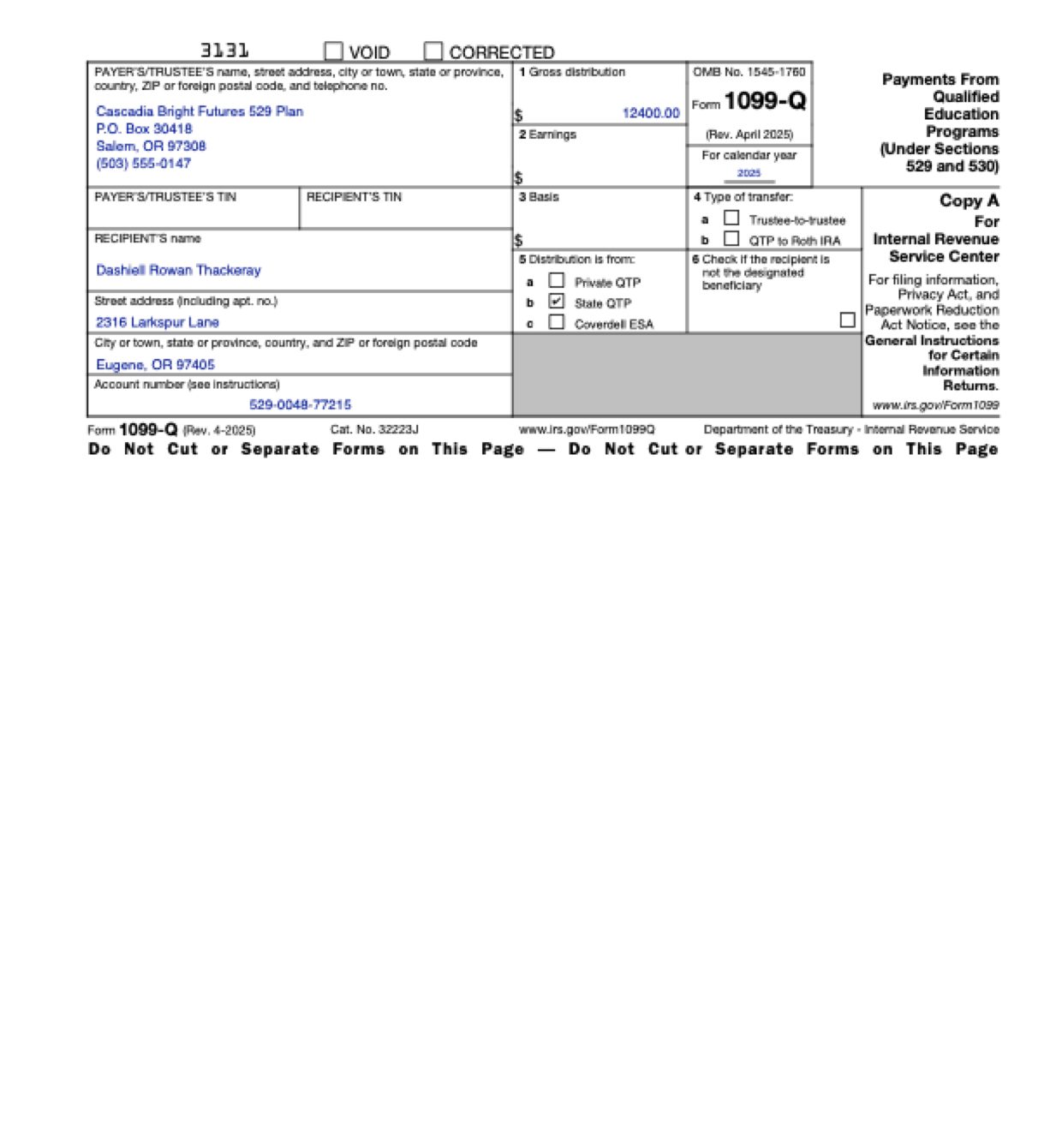
Plan statements show an account value, contributions, a year-to-date total and the school’s tuition bill, all near each other. Software can copy the biggest or the first dollar amount it finds as the gross distribution.
A transfer to another plan is its own return
In the same year, an account can pay a school and also move money straight to another plan. The transfer usually has a form of its own, but the statements list both. Software can add the transfer into the withdrawals or mark the transfer box on the wrong form.
Earnings and basis that don’t match
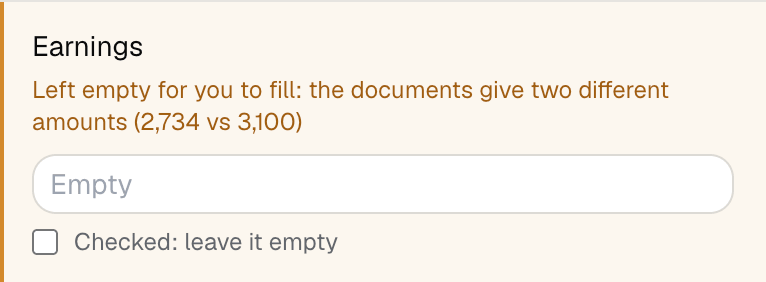
A plan’s withdrawal history shows earnings and basis for each payment, and its year-end summary gives its own figures. When they don’t match, software usually copies whichever it reads first, or adds up the history.
The beneficiary, not the account owner
Every statement is addressed to the parent who owns the account, and the student’s name appears only as beneficiary. Software often puts the owner on the form as the recipient.
The school is paid, but it isn’t the recipient
When tuition is paid straight to the school, the school’s name and address sit on every payment line, and the statements go to the parent’s house. Software can take either address for the recipient’s.
State plan, private manager
A state’s 529 plan is often run by a private investment firm, and money can move to a private college’s plan. Software can mark the private-plan box because a private company’s name is on the statement.
The paying account’s number
Plan papers carry many reference numbers: the receiving plan’s account, confirmation and control numbers, a student ID. Software can drop any of them into the account number box.
 fyllyo