 fyllyo
Pay per paycheck, not per year
A pay stub shows one paycheck and a year-to-date total. Copy either one as annual income and the figure is wrong.
IMMIGRATION FORMS · USCIS · BUILT IN
Add the sponsor’s pay stubs, tax transcripts, green card and notes. Fyllyo fills Form I-864 on your Mac. Anything the documents disagree on is left for you, with the reason.
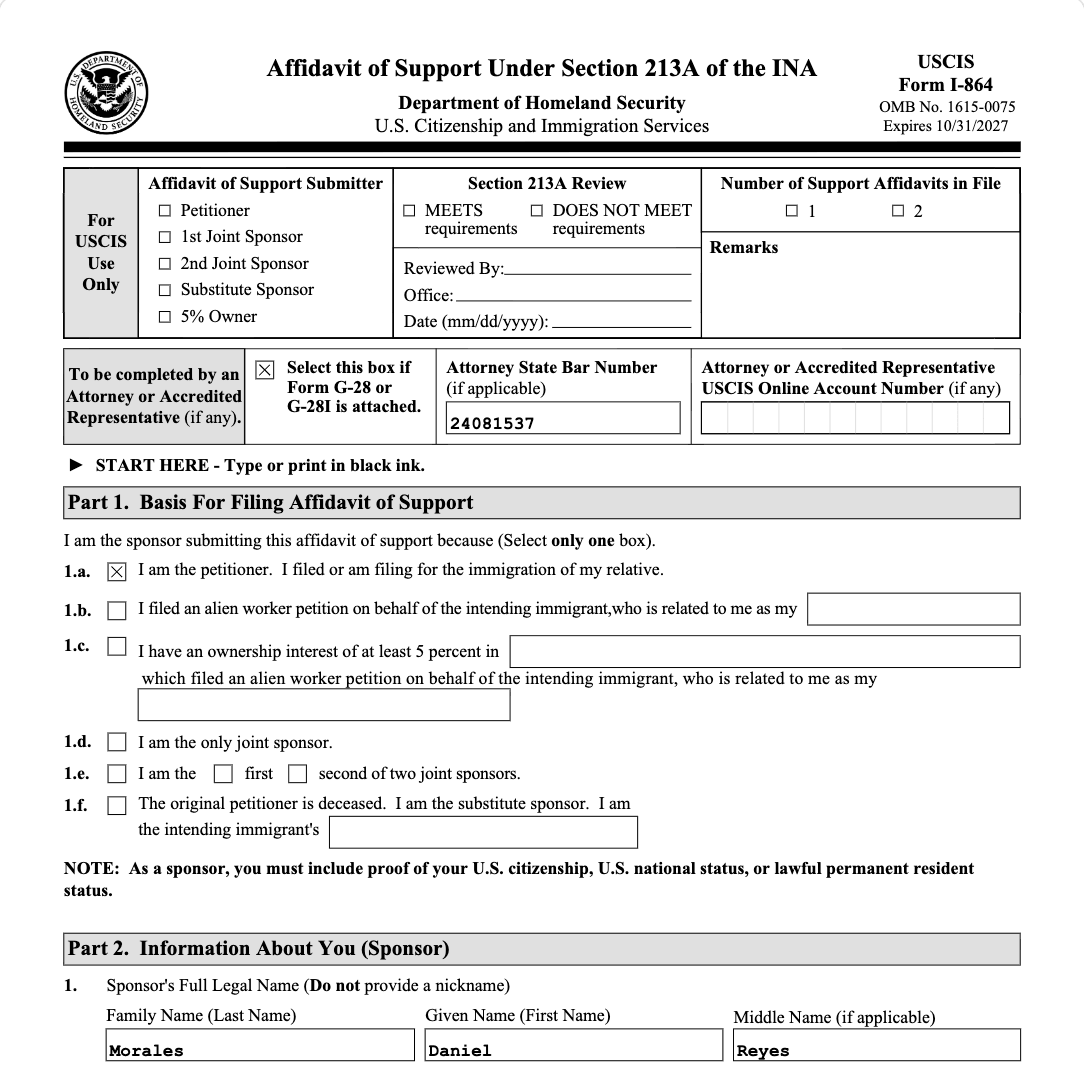
Most of Form I-864 is copying names, dates and addresses. The trouble starts where software has to reason across several documents. These are the common places AI tools and autofill get it wrong. What the form requires is for USCIS to say. Follow its instructions. USCIS official page for Form I-864.
A pay stub shows one paycheck and a year-to-date total. Copy either one as annual income and the figure is wrong.
The notes give one salary and the pay stubs add up to another. A tool that quietly picks one fills a number nobody checked.
Pay stubs and statements often show an SSN as XXX-XX-4821. Copied into the form, that’s an invalid number in a required field.
Pay stubs carry the employer’s address and bank statements the bank’s. Software can take the first address it finds.
The form asks for an A-Number, a USCIS online account number and a Social Security number, and documents label them in different ways. One can land in another’s box.
Part 7, the sponsor’s assets, is for when household income is below the requirement, as the form says. Filling it from every bank statement adds answers that don’t belong.
Tax transcripts arrive in whatever order they were saved, and the form lists the most recent year first.
With a test client and seven documents (intake notes, a green card, two pay stubs, tax transcripts and two bank statements), Fyllyo filled 54 fields in 26 seconds. It left 3 for the preparer, each with the reason.
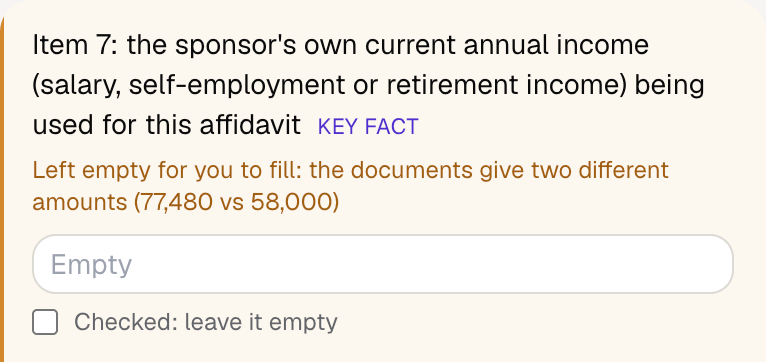
Fyllyo fills 164 of the 196 fields on Form I-864 from the client’s documents. Lines the documents don’t support stay blank and are listed for you to check.
You do
You confirm on every form
Fyllyo reads the documents you already have. These can be PDFs, scans, photos, Word files or typed notes, and you can add several at once. Fyllyo works out which document answers which line.
Filling Form I-864 for clients? Compare AI form fillers for law firms.
Client documents and the filled form never leave your computer. Fyllyo uploads nothing. Once it is set up, filling works offline.
Fyllyo doesn’t decide what to file, give legal or tax advice, or submit Form I-864 for you. Use the USCIS’s official page for Form I-864 and your professional judgement. Fyllyo does the reading and the typing.
The built-in Form I-864 is the edition dated 08/24/26. For a different edition, add that fillable PDF as your own form. You set it up once, then fill it like this one. Set up that fillable PDF as your own form →
Fyllyo reads scans and photos as well as PDFs, Word files and typed notes. Clear, readable copies give the best results, and every answer on Form I-864 still shows the line it came from.
Try form filling free for 5 days. Then buy Fyllyo Paid once for $99. It is a lifetime licence with free updates and no subscription. Filling forms on your Mac uses no AI credits. Pricing and licence details.